Social Media
Templates
How To Use These Templates
-
1
CLICK “USE THIS TEMPLATE” Opens the template in Adobe Express
-
2
Duplicate the Template Important: Go to File → Duplicate to make your own copy
-
3
Customize Your Content Replace clips with your own content and review the design
-
4
Download Your Design Click the “Download” button in the upper right to export
-
5
Share & Tag Us! Post to social and tag @DestinationRedmond and use the hashtag #RedmondOregon
Watch our video to learn how to use these templates
Ready-Made Templates
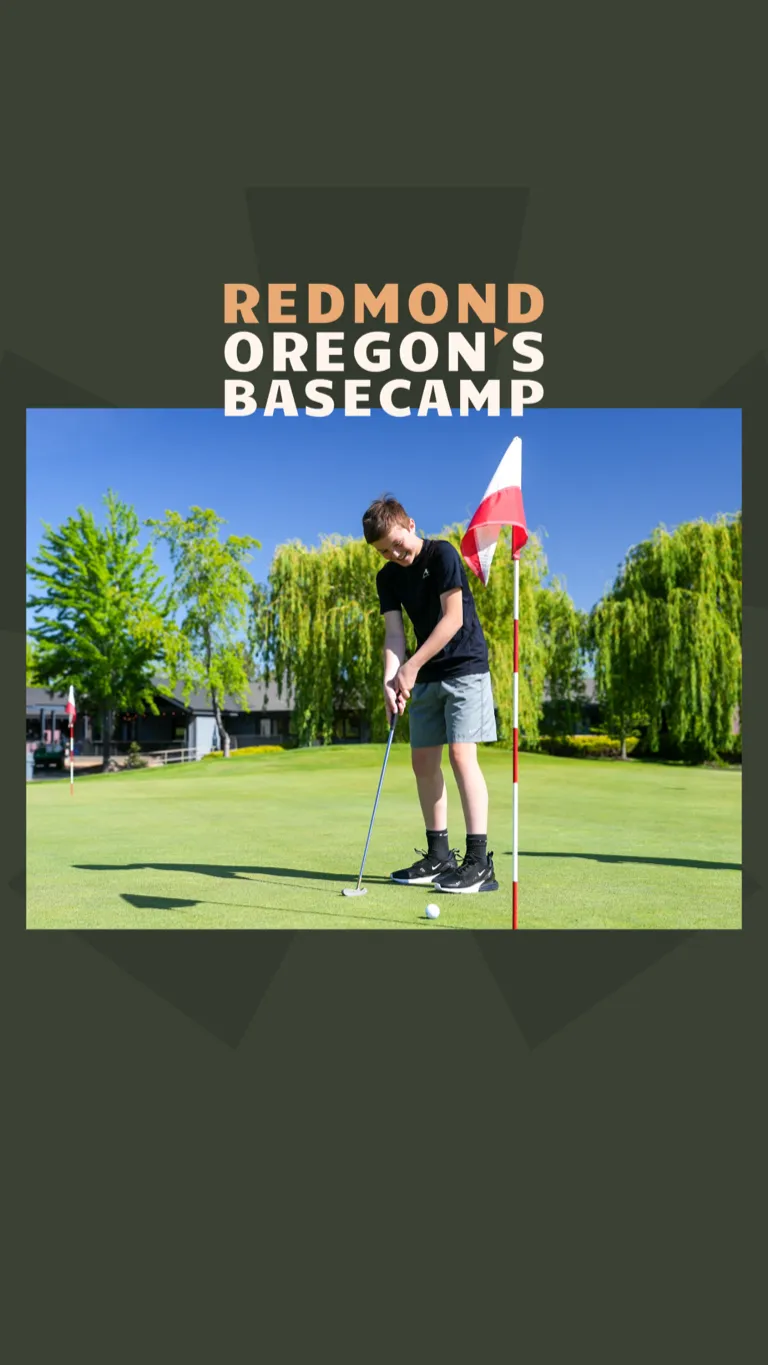
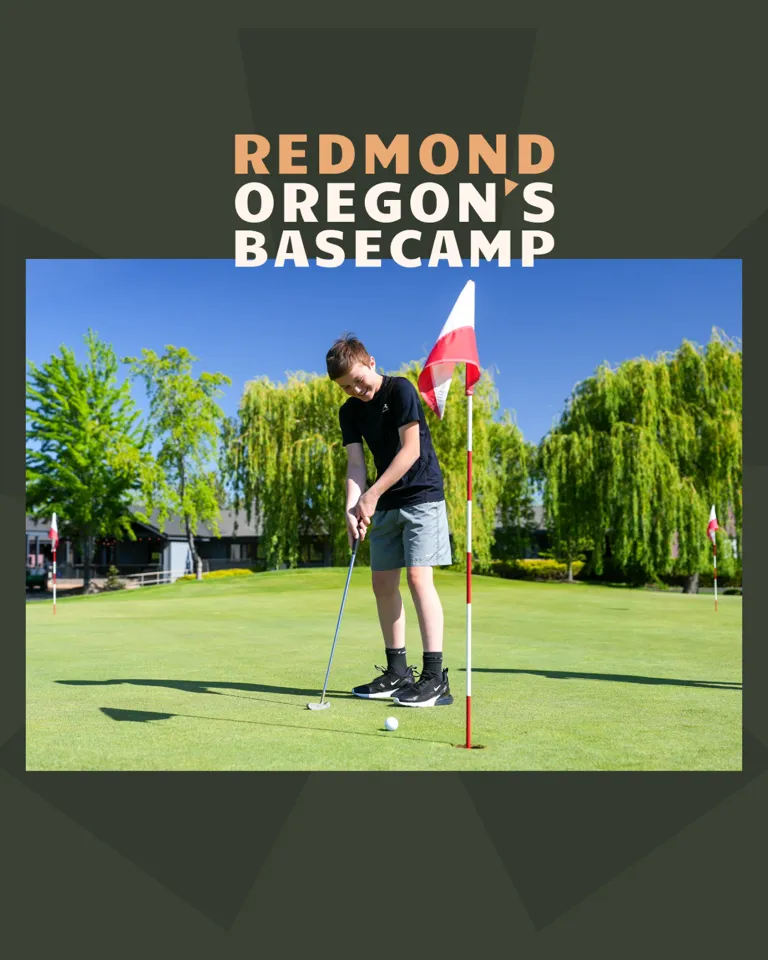
Choose a template and customize it for your business.



Need Help Creating Content?
Contact our team if you need assistance with your social media content or have questions about using these templates.
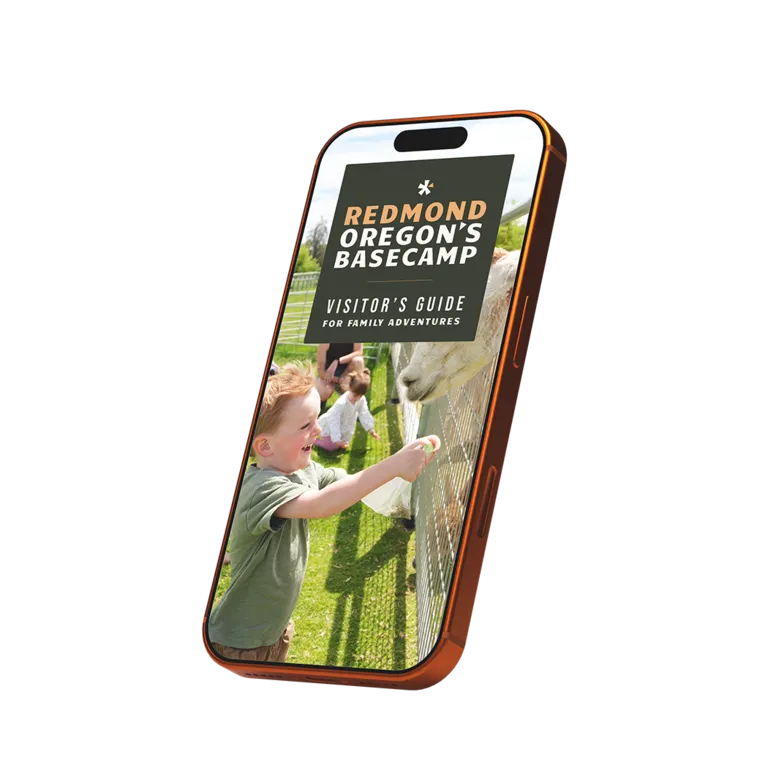
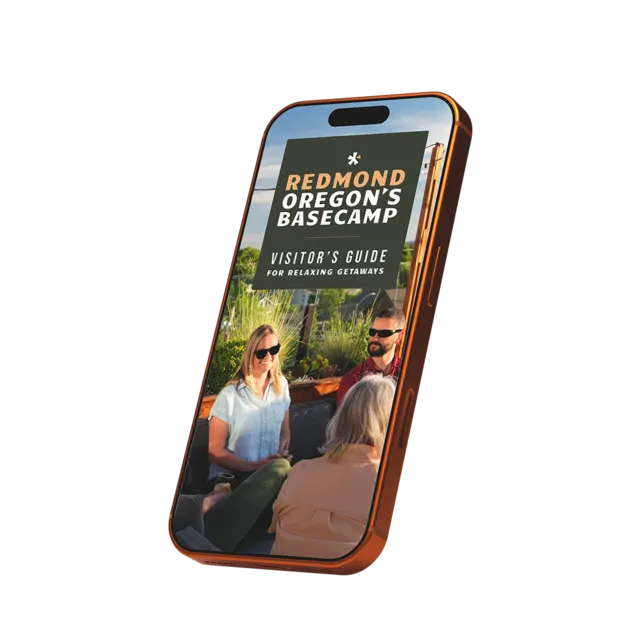
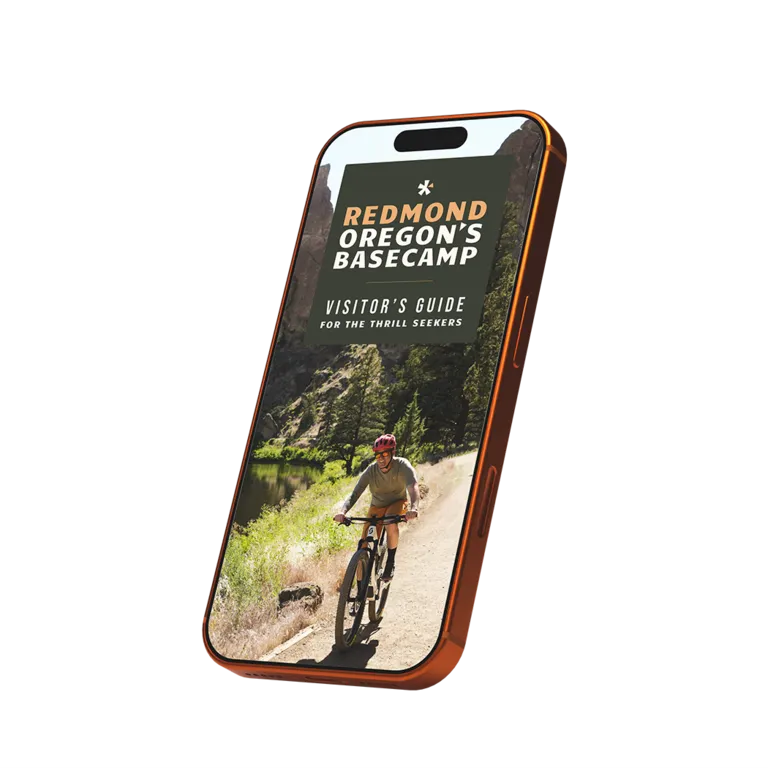
Explore with your visitor guide
Before venturing out, it's good to have a plan. Our three curated guides are a good place to start.